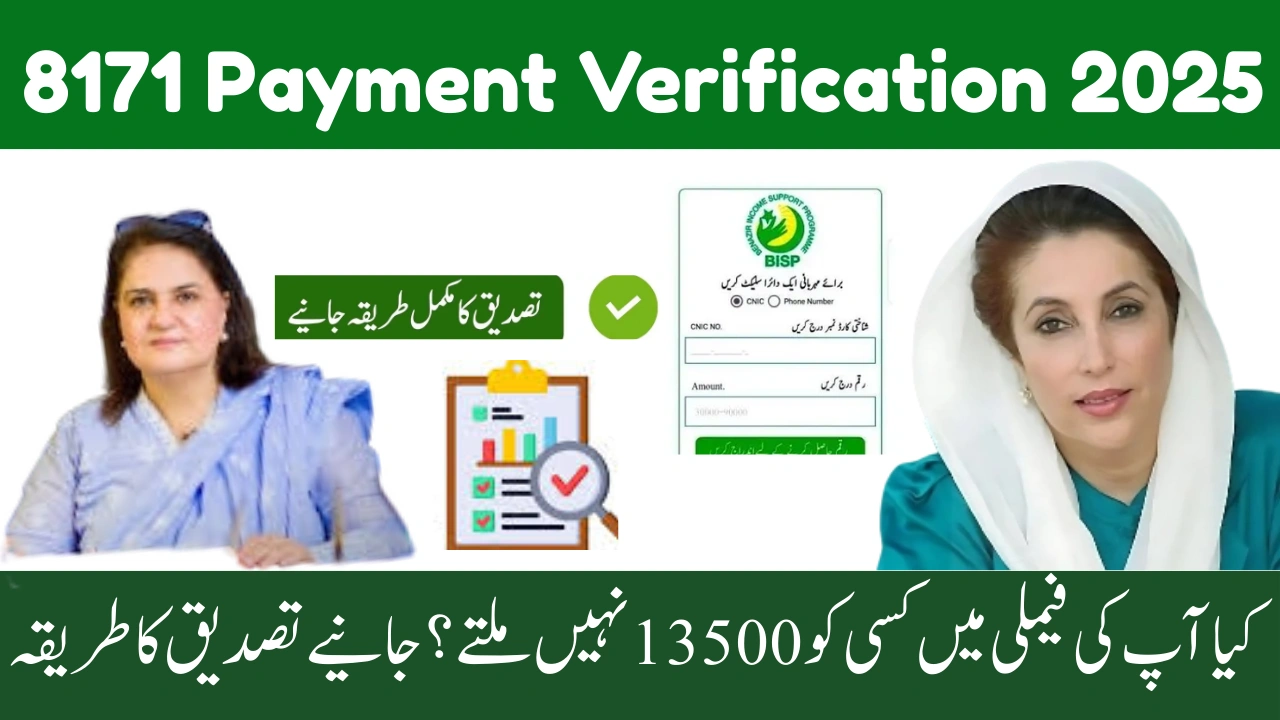
8171 Payment Verification 2025 – Full Step-By-Step Guide for BISP Beneficiaries
The 8171 payment verification system has become the most reliable way for BISP beneficiaries to confirm whether their new quarterly payment has been approved, released, or placed on hold for verification. Many families face delays simply because they do not know the correct verification steps. This guide explains every stage in a clear and simple way so that beneficiaries can verify their payment without confusion or multiple office visits.
This updated verification method helps ensure that only eligible families receive support, while also protecting beneficiaries from deduction fraud and payment errors. By using the proper 8171 verification steps, you can instantly check your payment status, confirm your eligibility, and know exactly what action is required if your payment is delayed.



If you haven’t received an SMS from 8171, if your payment is showing as pending, or if your biometric verification is required, this guide will help you understand what to do next. Each step is written in easy language so every beneficiary can follow it confidently.
What Is 8171 Payment Verification?
8171 Payment Verification is an official BISP process that confirms:
-
Whether your new payment has been approved
-
Whether your CNIC is eligible this cycle
-
Whether any verification or biometric update is required
-
Whether your payment has been sent to HBL or Bank Alfalah
This system ensures secure and transparent payment distribution for millions of families nationwide.
How to Verify Your BISP Payment Through 8171
Step 1 — Send Your CNIC to 8171
-
Open your Messages app
-
Type your 13-digit CNIC (no dashes)
-
Send it to 8171
-
Wait for the confirmation reply
You will receive one of the following responses:
-
Eligible – Payment Released
-
Eligible – Payment Pending
-
Verification Required
-
Not Eligible
Step 2 – Check Payment on the 8171 Online Portal
-
Open the 8171 portal in your browser
-
Enter your CNIC number
-
Fill the captcha code
-
Press Submit
The portal shows:
-
Your eligibility status
-
PMT score
-
Latest payment status
-
Required actions (if any)
Step 3 – Visit Your Biometric Center (If Asked)
If the message says “Verification Required,” you must visit:
-
Nearest BISP Tehsil Office
-
Nearest NADRA Center (for fingerprint update)
-
Or a Biometric Payment Counter
This step must be completed before payment is released.
Verification Message Types & What They Mean
| Message from 8171 | Meaning | What You Should Do |
|---|---|---|
| Payment Released | Money is ready | Visit HBL or Alfalah to withdraw |
| Payment Pending | System still processing | Re-check after 24–48 hours |
| Verification Required | Data mismatch or biometric needed | Visit BISP office |
| Not Eligible | PMT score too high | Re-survey at next cycle |
How to Verify Payment at the Bank (HBL & Alfalah)
After payment is released, banks confirm payment using biometric systems.
At ATM or Bank Counter:
-
Insert CNIC at biometric ATM
-
Select BISP Payment
-
Scan your fingerprint
-
Collect cash and receipt
Why Your Verification May Be Delayed
| Issue | Reason | Solution |
|---|---|---|
| Biometric not matching | Faded fingerprints | Clean hands or visit NADRA |
| No SMS from 8171 | Network delay | Use online portal instead |
| Payment not appearing | Pending survey verification | Complete Dynamic Survey |
| Payment on hold | CNIC update required | Update CNIC details at NADRA |
Important Tips to Speed Up Your Verification
-
Use the same mobile number registered during your BISP survey
-
Keep your CNIC updated and valid
-
Always check status through official channels only
-
Keep all payment slips as proof
-
Never pay agents for verification or collection
Final Thoughts
The 8171 Payment Verification 2025 method ensures that beneficiaries receive their payments securely and without delays. By following the correct steps—SMS verification, portal checking, and biometric confirmation—you can access your payment quickly and avoid unnecessary office visits or misinformation.
If your payment is pending or your verification is incomplete, simply follow the instructions provided by 8171 and complete your biometric or survey requirements on time. This is the safest way to ensure your payment reaches you without any problems.
FAQs — 8171 Payment Verification 2025
1. What should I do if 8171 is not replying?
Try again after some time or check the 8171 online portal.
2. How can I know which bank my payment is sent to?
Your 8171 message will mention HBL or Bank Alfalah.
3. What if biometric verification repeatedly fails?
Visit NADRA to update fingerprints.
4. Can I verify payment using someone else’s phone?
Yes, as long as you send your own CNIC.
5. How long does payment verification take?
Usually instant, but system delays may take 24–48 hours.