BISP Validation 2025 – How to Check Eligibility & Payment Status on bisp.gov.pk
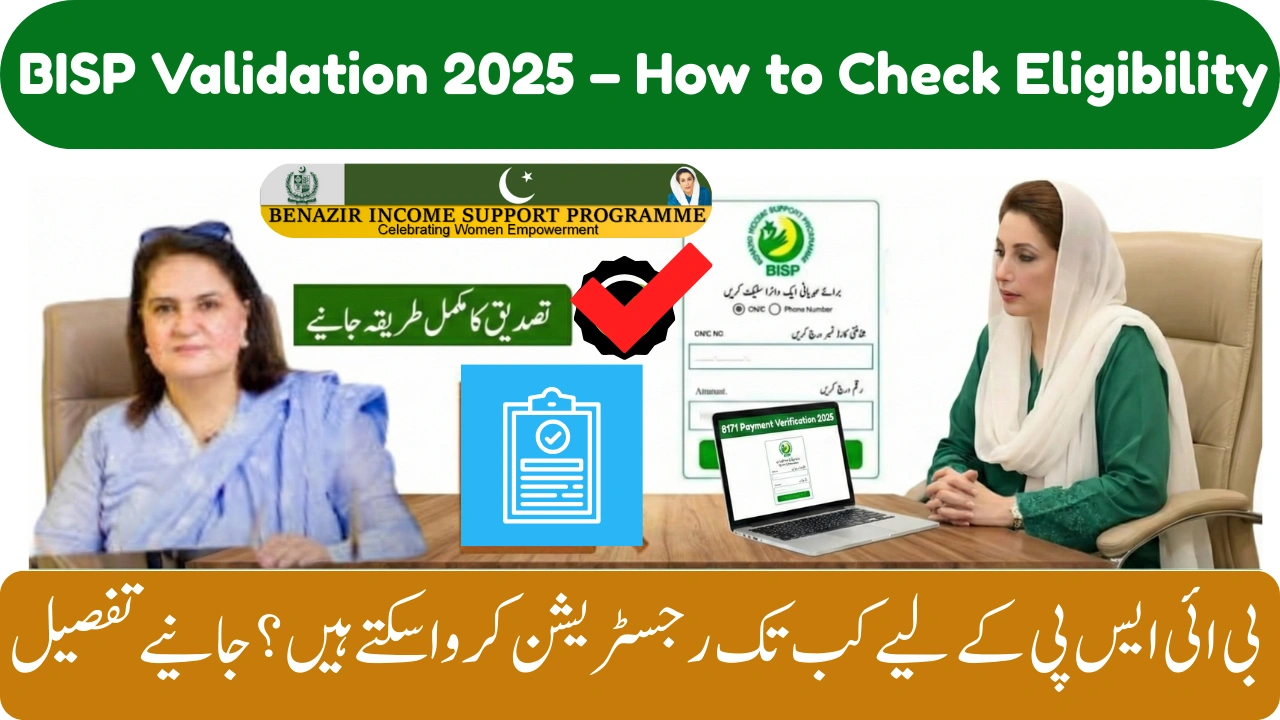
The BISP Validation system has been upgraded to make it easier for families to confirm their eligibility, track payments, and verify their survey records directly through official channels. Whether you’re newly registered or already receiving support, the validation process helps ensure your details are accurate in the BISP database so your payments are released without delays.
For many beneficiaries, the most common problem is not knowing how to check eligibility or where to verify information correctly. The bisp.gov.pk portal now provides a clear way to review your data, understand your status, and get updates on payments.



What Is BISP Validation 2025?
BISP Validation is the official process used to confirm a person’s eligibility for cash support under the Benazir Income Support Programme. The system checks your:
-
CNIC details
-
PMT (Poverty Score)
-
Household survey information
-
Payment status and release date
-
Pending verification steps
This validation ensures that every eligible family receives financial support fairly and without errors.
How to Check Your Eligibility on bisp.gov.pk
Step 1 — Visit the Official BISP Website
Open your browser and go to:
bisp.gov.pk
Scroll to the section labelled “Beneficiary Information” or “8171 Validation” options.
Step 2 — Enter Your Required Details
You’ll need to provide:
-
Your 13-digit CNIC
-
Your registered mobile number (if required)
-
Captcha code for verification
Step 3 — View Your Validation Results
Once the data is submitted, the system will show:
-
Eligibility status
-
Payment status
-
Survey information
-
Required verification (if any)
Understanding Your Eligibility Result
Here is a helpful table to understand what your validation result means:
| Result Shown | Meaning | What You Should Do |
|---|---|---|
| Eligible | You qualify for BISP support | Wait for payment release via 8171 |
| Ineligible | PMT score above limit | Recheck after updating survey |
| Verification Required | Survey or biometric incomplete | Visit nearest BISP office |
| Payment Released | Your funds are ready | Withdraw from HBL/Alfalah |
| Blocked | Data mismatch or CNIC issue | Update CNIC at NADRA |
How to Check Payment Status Online
After confirming eligibility, you can check payment details using the online portal:
1. Use the BISP Website (bisp.gov.pk)
Go to bisp.gov.pk → Payment Information Section
Enter CNIC → Press Submit
You will see:
-
Payment cycle
-
Release date
-
Bank allocation (HBL or Alfalah)
-
Amount due
2. Use the 8171 SMS Service
-
Type your CNIC (13 digits)
-
Send to 8171
-
Receive instant payment update
Why Your Payment May Not Show
If the website or SMS shows “No Payment Available,” it could be due to:
-
Survey not updated
-
Biometric verification pending
-
System delay
-
PMT score recalculation
-
Wrong mobile number in records
Most issues resolve automatically within a few days once verification is completed.
Steps to Fix Validation or Payment Problems
-
Update fingerprints at NADRA if biometric fails
-
Re-complete Dynamic Survey at the BISP office
-
Ensure your mobile number is active and correct
-
Check your CNIC validity date
-
Recheck payment after 12–48 hours if portal is updating
Final Thoughts
The BISP Validation 2025 system ensures that beneficiaries receive payments safely and on time by confirming eligibility through official channels. Using bisp.gov.pk and the 8171 SMS service is the most reliable way to verify your status without confusion. If your record needs updating, simply complete the required verification at the nearest BISP Tehsil Office.
Understanding this process helps you stay informed, avoid misinformation, and access your payments without delay.
FAQs – BISP Validation 2025
1. Can I complete validation online?
Yes, eligibility and payment checks can be done through bisp.gov.pk or 8171.
2. What if the portal is not responding?
Try again later—server load may be high during payment cycles.
3. Do I need to visit BISP for validation?
Only if the system shows “Verification Required.”
4. Can validation be done from any mobile?
Yes, as long as the CNIC entered is correct.
5. How often should I check my status?
Check before each payment cycle or after updating your CNIC or survey.